AI writing tools are no longer optional add-ons for content creators and businesses they are becoming integral to scaling creative output, ecommerce campaigns, and SEO-driven workflows. Among the leading tools, Rytr and Copysmith have both carved out their niches. While Rytr is celebrated for its speed, simplicity, and affordability, Copysmith has earned its reputation for structured, scalable workflows tailored to ecommerce and agencies.
This comparison article breaks down their strengths across various parameters, followed by clear takeaways on who should use which tool.
Who Should Use Which?
- Copysmith is Best For:
- Ecommerce teams that need bulk product descriptions and SEO content
- Digital agencies managing multiple clients and campaigns
- Businesses running long-term ad campaigns or high-volume marketing content
- List ItemEnterprises requiring structured workflows and scalable outputs
- Rytr is Best For:
- Freelancers who want a quick, affordable writing partner
- Bloggers who need help with content ideas, outlines, and short posts
- Small businesses looking for budget-friendly AI writing support
- Marketers who want fast, creative copy for ads, emails, and social captions
Quick Comparison
| Feature | Rytr AI | Copysmith AI |
|---|---|---|
| Ease of Use | Lightweight, intuitive editor with guided templates; very beginner-friendly | Structured dashboard built for teams; efficient but can feel template-heavy |
| Core Features | 40+ use cases (blogs, ads, emails, captions), tone control, plagiarism check | Bulk generation (product descriptions, SEO titles, ad copy), multiple export options |
| Output Quality | Creative, natural flow for blogs and social copy; may lack depth in long form | Consistent, business-ready outputs; strong for ecommerce, less creative in storytelling |
| Pricing | Free plan + very affordable tiers (~$9/mo), excellent for individuals | Free trial + paid tiers (~$19–59/mo), scaling with team and enterprise options |
| Best For | Freelancers, bloggers, small businesses, marketers needing speed & affordability | Ecommerce teams, agencies, enterprises requiring scalable, structured workflows |
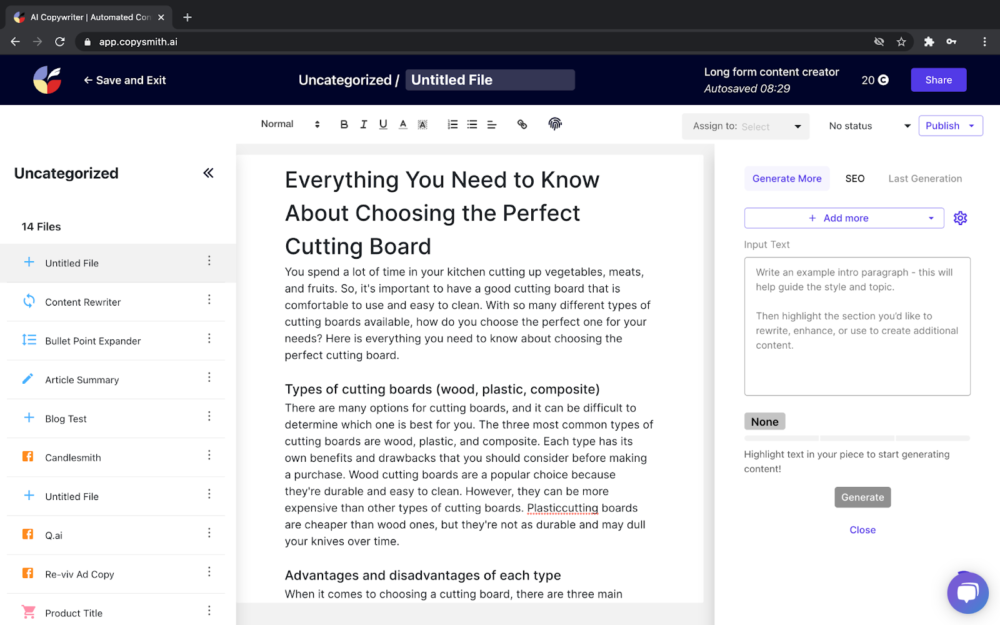
Evaluation Criteria (How We Compare)
We compare Copysmith and Rytr across four key parameters:
- Ease of Use – How simple and intuitive it is to start creating content.
- Features – The strength of AI tools, including bulk generation, adaptive prompts, and integrations.
- Output Quality – Consistency, creativity, and accuracy of generated content.
- Pricing & Value – Affordability of plans, free offerings, and long-term value for individuals or teams.
Ease of Use
Copysmith
Copysmith is built for teams and structured business use. Its dashboard offers a range of templates designed around ecommerce and marketing needs, such as bulk product descriptions, SEO titles, and ad campaigns. While the interface is straightforward, it feels more “template-heavy” compared to Rytr’s free-flowing approach. For beginners, it may take a little longer to understand, but once mastered, it becomes a reliable system for repeatable, high-volume workflows.
Rytr
Rytr’s biggest appeal is how quickly you can get started. Its lightweight interface feels intuitive, with guided templates that help you generate marketing emails, social captions, or blog snippets within seconds. The workflow is easy and hassle free – you type in your prompt, choose a tone, and get outputs almost instantly. This makes Rytr an excellent fit for solo professionals or businesses that need speed and don’t want to be slowed down by complex settings. However, the simplicity also means fewer advanced options for power users.
Output Quality
Copysmith
Copysmith focuses on consistency and reliability. Its outputs are polished and business-ready, particularly for product-driven and SEO-heavy content. Product descriptions, ad campaigns, and meta tags come out structured and ready to publish. However, compared to Rytr, Copysmith can feel more rigid and less creative in narrative writing or storytelling use cases. It prioritizes reliability over flair — which is exactly what agencies and ecommerce teams need.
Rytr
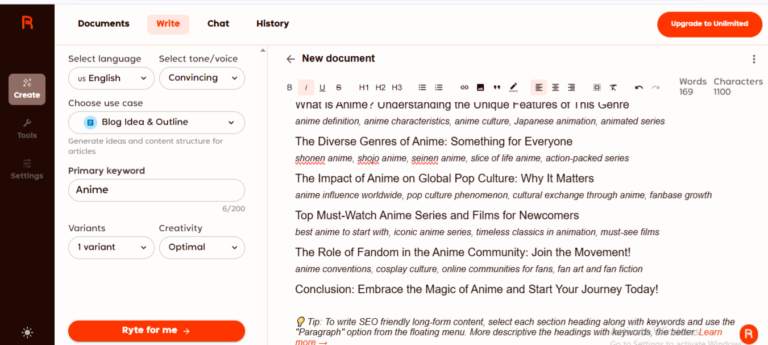
During testing, Rytr produced fast and engaging drafts that leaned toward creativity and conversational flow. Blog outlines, ad copy, and social captions came out lively and human-like. That said, Rytr sometimes struggled with depth in long-form articles and occasionally introduced repetitive phrasing. For short to medium-length content, it delivers excellent speed and readability, but factual accuracy may require manual review.
Features & Functionality
Copysmith
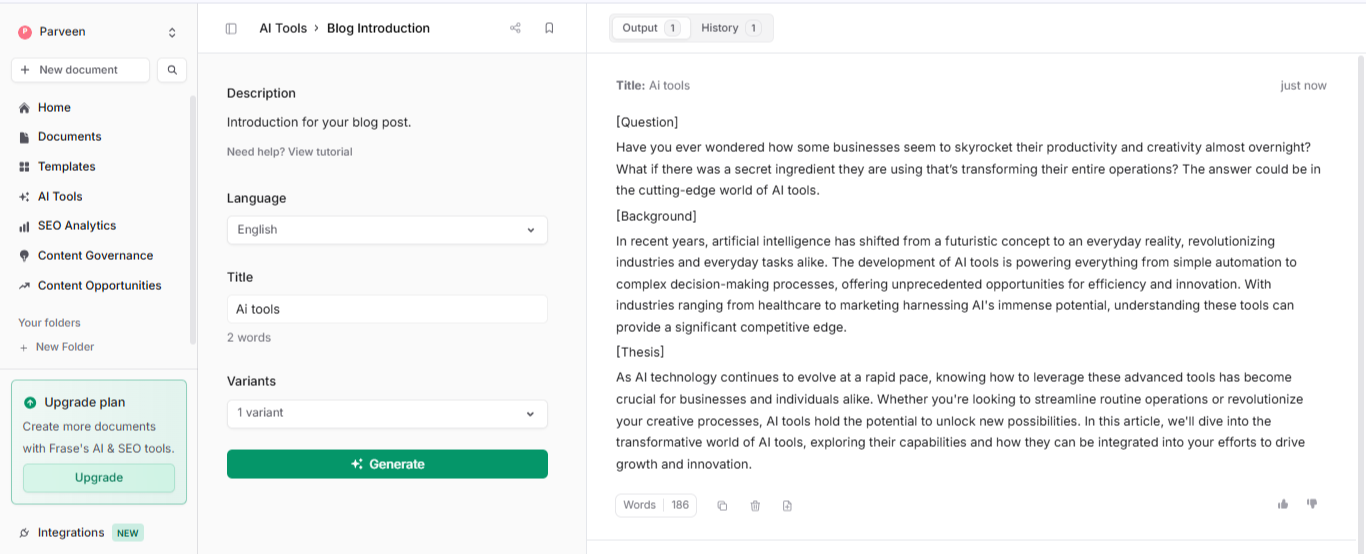
Copysmith shines in ecommerce and agency features. It supports bulk content generation (hundreds of product descriptions at once), SEO meta titles, campaign copy, and multiple export formats like Docx and PDF. Collaboration tools make it easier for teams to manage projects, assign roles, and track progress. Enterprise-focused features like workflow automation and content management set it apart from general-purpose AI writers.
Rytr
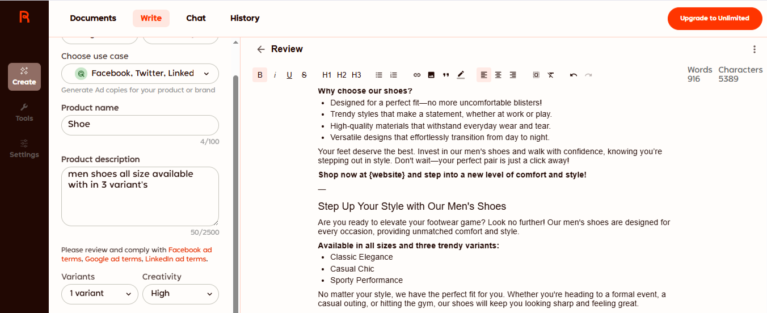
Rytr focuses on versatility and speed. With over 40 use cases, it covers everything from emails and blog ideas to song lyrics and story writing. It includes tone customization, plagiarism checking, and a built-in document editor. It is enough for bloggers, marketers, and even hobbyists. However, its feature set is broad but not deeply specialized for ecommerce or team workflows.
Pricing & Value
| Plan / Tool | Copysmith | Rytr |
|---|---|---|
| Free Plan | ✅ Available (limited credits) | ✅ Available (10k characters/month) |
| Entry Paid Tier | ~$19/month (Starter, scalable credits) | $9/month (50k characters, basic features) |
| Mid/Pro Tier | ~$59/month (Professional – higher credits, team use) | $29/month (Unlimited characters, advanced features) |
| Enterprise | ✅ Custom pricing for agencies & enterprises | ✅ Custom plans for businesses & teams |
| Best For | Teams, ecommerce, agencies needing collaboration & scaling | Freelancers, bloggers, marketers, small businesses |
| Overall Value | 💡 Budget-friendly for long-term scaling & bulk content | 💡 Extremely affordable, best low-cost option for creatives |
Copysmith
Copysmith offers a free trial, but its pricing is clearly structured for scaling teams. Plans start around ~$19/month for small-scale use, scaling up to ~$59/month or more for professional and enterprise tiers. The higher tiers unlock collaboration tools, bulk generation, and integrations, which are essential for agencies and ecommerce businesses but less necessary for solo users.
Rytr
One of Rytr’s strongest selling points is its affordability. With a free plan and paid options starting at just ~$9/month, it’s one of the most budget-friendly AI writing tools. This makes it accessible to freelancers, students, startups, and individuals experimenting with AI. The Pro plan, while inexpensive, includes unlimited characters and access to all features, giving excellent value for money.
| Scenario | Best Choice |
|---|---|
| Testing before paying | Both – free plans suitable for beginners |
| Budget-friendly starter use | Rytr (cheapest entry plan at $9/month) |
| Adaptive, personalized writing | Rytr (creativity + versatile toolkit) |
| Team collaboration & scaling | Copysmith (multi-user support, enterprise options) |
| Creative brainstorming & marketing copy | Rytr (engaging flow + flexibility) |
| Long-term cost efficiency for businesses | Copysmith (scales better for large teams & ecommerce) |
Final Verdict
On this page
Winner Snapshot: Copysmith vs Hyperwrite
| Scenario | Winner |
|---|---|
| Simple, lightweight, fast to learn, ideal for beginners and solo users. | Rytr |
| Ecommerce-specific workflows, collaboration, bulk exports, team scaling. | Copysmith |
| Creative and engaging content output | Rytr |
| Consistent and business-ready. | Copysmith |
| More affordable for freelancers and startups. | Rytr |
Tags: comparison