We may earn affiliate commissions for the recommended tools. Learn more.

MailerLite vs Moosend: Which One Truly Makes Email Marketing Easier?

Email marketing tools today must balance simplicity with enough flexibility to support modern campaigns. MailerLite and Moosend are both beginner-friendly platforms designed for creators, small businesses, and ecommerce teams needing clean editors, reliable deliverability, and affordable plans. They also offer ready-made templates, drag-and-drop workflows, and streamlined contact management, but their strengths lie in different areas. MailerLite focuses on usability, polished templates, and smooth automation built for non-technical marketers. Moosend, on the other hand, offers a broader template set, deeper personalization, and generous free-plan allowances suitable for scaling beginners.

This comparison article breaks down how each performs across essential components to help determine which tool best fits your workflow, based on our internal reviews.

Who Should Use Which?

Quick Comparison

CriteriaMailerLiteMoosend
Ease of UseClean drag-and-drop editor with guided onboarding; simple for beginners; fast setup.Simple, beginner-friendly workflow; intuitive builder; minimal learning curve.
Template Variety & Design100+ ready-to-use templates across product offers, seasonal themes, and newsletters; clean and modern layouts.130+ free email templates including seasonal, product, and occasion-based designs; simple, beginner-focused styling.
Customization & FlexibilityEasy customization—fonts, buttons, layouts, spacing, colors, media blocks; drag-and-drop editing; reusable blocks.Adjust fonts, colors, padding, spacing; block-based modular design; supports video, images, GIFs.
Contact List ManagementCSV, TXT, Excel file imports; fast field mapping; segmentation through tags & groups; supports merge fields.CSV, Excel, TXT imports; segmentation with tags & behavior groups; personalization fields and merge tags.
Campaign ExecutionStreamlined setup: add campaign name, subject line, preheader, choose send type; supports scheduled & time-zone-based delivery; fast sending.Straightforward setup; edit any part of the email; supports scheduled and instant sending; emails consistently reach inbox.
Deliverability & ComplianceStrong deliverability supported by SPF & DKIM authentication; one-click unsubscribe; 100% deliverability in tests.Reliable inbox placement; list hygiene tools remove invalid emails, duplicates, and errors; one-click unsubscribe.
Reports & AnalyticsTracks opens, clicks, bounces, unsubscribes, conversions; link-tracking; CSV export; deliverability metrics.Displays opens, clicks, unsubscribes, bounces, spam complaints; deeper link-tracking; download reports in XLS/PDF.
Free PlanUp to 1,000 subscribers, 12,000 emails/month; drag-and-drop editor; landing pages included.Free plan with 300 emails/day up to 1,000 subscribers; essential features included.
Starting Price (Paid)Growing Business Plan: starts ~$10/month (based on subscriber limit).Pro Plan starts at $9/month; premium features expand with higher tiers.
Best ForBeginners, creators, small businesses, marketers wanting simple but capable email tools.Beginners wanting automation + affordability; small ecommerce stores.
Key StrengthExtremely user-friendly; professional templates; balanced automation + design.Flexible segmentation; robust template library; smooth automation for beginners.
Key LimitationLimited niche templates; lacks advanced list-validation tools.Some automation features limited in free tier; advanced personalization may feel basic.

Evaluation Criteria (How We Compare)

We compared MailerLite and Moosend across five essential parameters that define how well an email marketing platform performs in real-world use:

  • Email Designing & Templates – The creative flexibility, template variety, and customization depth each platform offers.
  • Contact List Management – The efficiency and depth of managing subscribers, including segmentation, tagging, imports, and behavioral targeting.
  • Campaign Execution – How quickly and reliably each platform sends campaigns, the ease of automation setup, and overall consistency in deliverability.
  • Reports & Analytics – The quality, visualization, and actionability of data each platform provides from open and click tracking to conversions, heatmaps, and exportable reports; and how easily marketers can derive insights to improve performance.
  • Pricing & Value – Affordability, plan transparency, and the balance of included features at each tier. 

Email Designing & Templates

MailerLite

MailerLite offers 100+ ready-to-use templates that are modern, clean, and structured for fast customization. The editor supports drag-and-drop blocks, media alignment, colour and layout changes, and precise element movements. It compresses images automatically and ensures layouts remain polished across devices. The interface also supports reusable blocks and smooth content editing, making the design experience quick even for beginners.

Moosend

Moosend provides a larger template library with 130+ email templates across categories such as promotions, events, welcome emails, and newsletters. The editor is simple, allowing sections to be moved, resized, or duplicated without technical effort. Its templates are visually balanced and adaptable to different brand styles, giving more variety compared to MailerLite.

Contact List Management

MialerLite

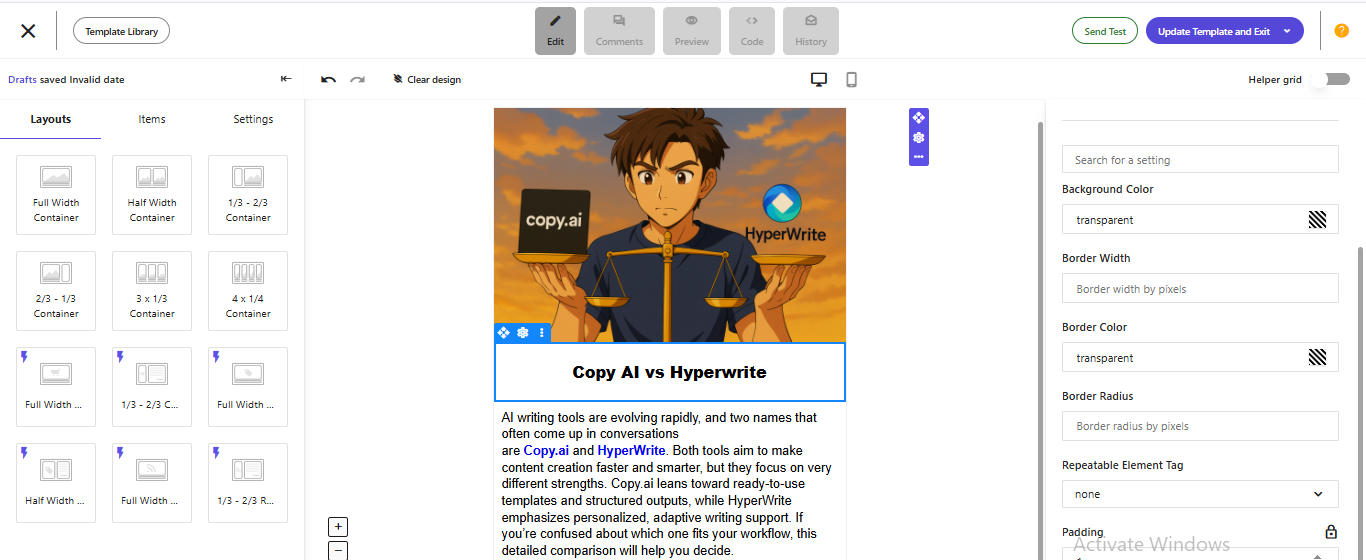
MailerLite makes contact handling simple through CSV imports, Excel files, and manual entry. It also allows importing directly from other platforms. Segmentation tools let users group contacts by behavior, campaign interactions, or custom fields. Tagging helps refine audiences, and personalization fields allow merge-tag customization for targeted messaging. List hygiene is also supported through invalid-email detection during import.

Moosend

Moosend provides one of the most flexible importing systems, accepting CSV, TXT, or Excel files. It also supports segment creation based on actions, engagement, or custom rules. Moosend’s email validation and duplicate removal keep lists clean for better results. Multiple sign-up forms and landing pages can capture subscribers quickly, and personalization options help shape tailored journeys.

Campaign Execution

MailerLite

MailerLite streamlines the full sending process from naming a campaign to selecting the audience and dispatching it. Users can choose regular, A/B test, or auto-resend types. Any section can be edited before sending, and scheduling tools help deliver emails at the right time. Deliverability is supported by SPF and DKIM authentication, and emails reached inboxes consistently during tests. Sending speed is typically fast within minutes.

Moosend

Moosend delivers straightforward execution with emails consistently reaching the inbox backed by SPF and DKIM support. The platform allows editing content, adjusting layouts, and testing elements before sending. Campaigns can be sent immediately or scheduled, and the interface is simple for beginners. Moosend’s automation-ready triggers make follow-ups easier, and mobile responsiveness ensures emails display correctly across devices.

Reports & Analytics

MailerLite

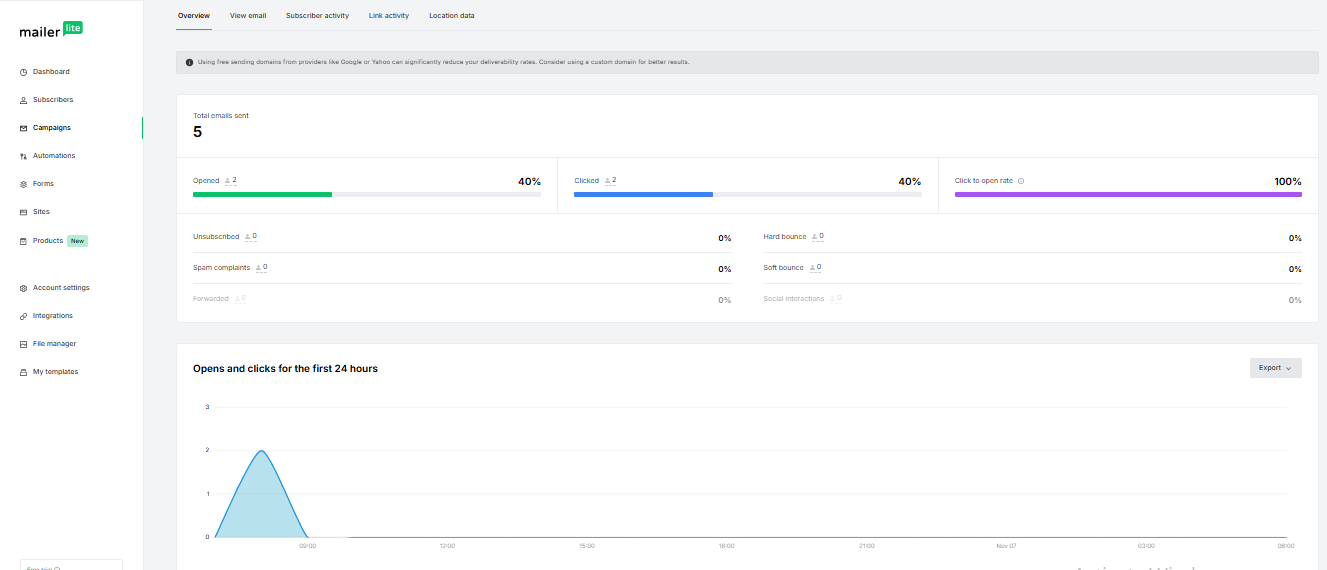
MailerLite’s analytics show all key metrics including opens, clicks, unsubscribes, bounces, and conversions. Reports load quickly after each send and present data clearly. Users can export results in CSV format, and link-tracking highlights the highest-engaging elements inside emails. Deliverability insights classify bounces and spam complaints, while automation workflows have dedicated reports for performance tracking.

Moosend

Moosend provides essential reporting metrics such as opens, clicks, unsubscribes, and spam complaints. Visual link-tracking shows which buttons or content blocks performed best and reveals user pathways. It supports exporting reports in PDF or XLSX, making it useful for reviewing or sharing campaign results. Moosend also includes real-time email performance tracking and advanced engagement insights.

Pricing & Value

MailerLite

MailerLite offers a strong value mix with generous plan limits: free plans support up to 1,000 subscribers, email automation, and landing pages. Paid tiers add dynamic content, advanced automation, and dedicated support. Its pricing is structured to support creators and small businesses needing affordability without sacrificing core features.

Moosend

Moosend’s pricing includes a Free plan with up to 1,000 subscribers and 300 emails/day, along with drag-and-drop editing, landing pages, and form-builder access. Higher plans unlock unlimited emails, advanced automation, and AI-powered subject lines. Moosend balances affordability with more expansive feature access at the entry level, especially for growing beginners.

ScenarioBest Choice
Fast, beginner-friendly email creationMailerLite — cleaner UI, smoother editor, and guided onboarding.
Most budget-friendly starter useMoosend — generous free plan (300 emails/day) and broader free segmentation tools.
Detailed customization controlMailerLite — more polished template system and flexible design blocks.
Best for creators & small teamsMailerLite — intuitive editor + strong usability for non-technical users.
Automation-focused workflowsMoosend — stronger workflows, list hygiene, and personalization fields.
Best long-term valueMoosend — lower pricing + solid automation features for scaling gradually.

Final Verdict

Both platforms are strong beginner-friendly choices, but they serve slightly different needs. MailerLite is best for creators, educators, and marketers who want a clean interface, dependable deliverability, and polished templates. Moosend stands out for users needing more template variety, generous free-tier allowances, and deeper segmentation without increasing complexity.

The right pick depends on whether you prioritize refinement (MailerLite) or flexibility and growth-readiness (Moosend).

On this page

Winner Snapshot: MailerLite vs Moosend

ScenarioWinner
Cleanest and simplest email editorMailerLite
Most templates + seasonal varietyMoosend
Best for segmentation & taggingMoosend
Strongest deliverability consistencyMailerLite
Best analytics clarityMailerLite
Best pricing value overallMoosend
Best for creators & marketersMailerLite

Tags:

We will be happy to hear your thoughts

Leave a reply

Diztel
Logo