In the 1990s, it was Netscape vs Internet Explorer, then Chrome vs Firefox vs Safari. Each war was about speed, stability, and user-friendly features. But today, we are witnessing a new kind of browser war. One not about rendering websites faster, but about making sense of them.
The battleground is no longer just access; it’s intelligence now. OpenAI’s ChatGPT Atlas, Google’s Chrome Gemini, and Perplexity’s Comet are redefining what a browser is meant to do. They aren’t just portals to the web; they are AI copilots and assistants that can summarize, act, and even make decisions on your behalf.
This story explores how each contender approaches the AI-first browser race, who they’re designed for, and what the future of the internet looks like when your browser isn’t just a tool, but a partner.
Features
ChatGPT Atlas
Chrome Gemini
Perplexity Comet
AI Core
ChatGPT deeply embedded
Gemini in side panel
Conversational AI for search
Agent Mode
Yes – performs tasks
Limited
No
Memory
Persistent session recall
Minimal
Minimal
Integration
OpenAI + third-party (future)
Full Google ecosystem
Standalone
Research Strength
Strong, multi-tab intelligence
Strong in Google services
Fast, cited answers
Platforms
macOS now (others coming)
All platforms
All platforms
Best For
Workflows, research, automation
Mainstream users
Students, quick fact-finding
ChatGPT Atlas
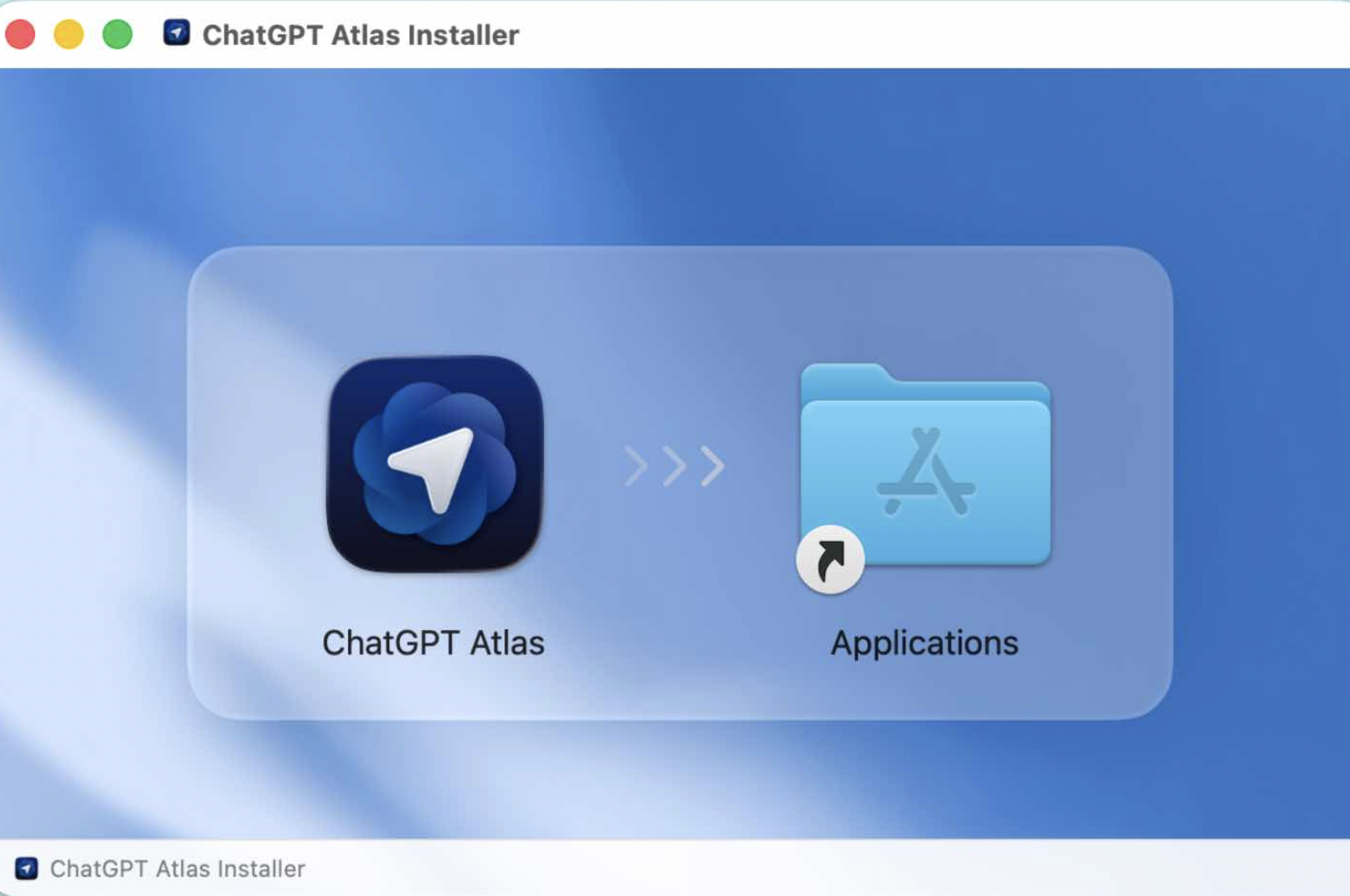
ChatGPT Atlas is OpenAI’s boldest consumer product yet: a browser built from scratch with AI at the core. Unlike Chrome or Edge, where AI is bolted on as a sidebar, Atlas embeds ChatGPT directly into the browsing fabric. It’s not just about answering questions, instead it’s about transforming tasks into conversations.
How It Works
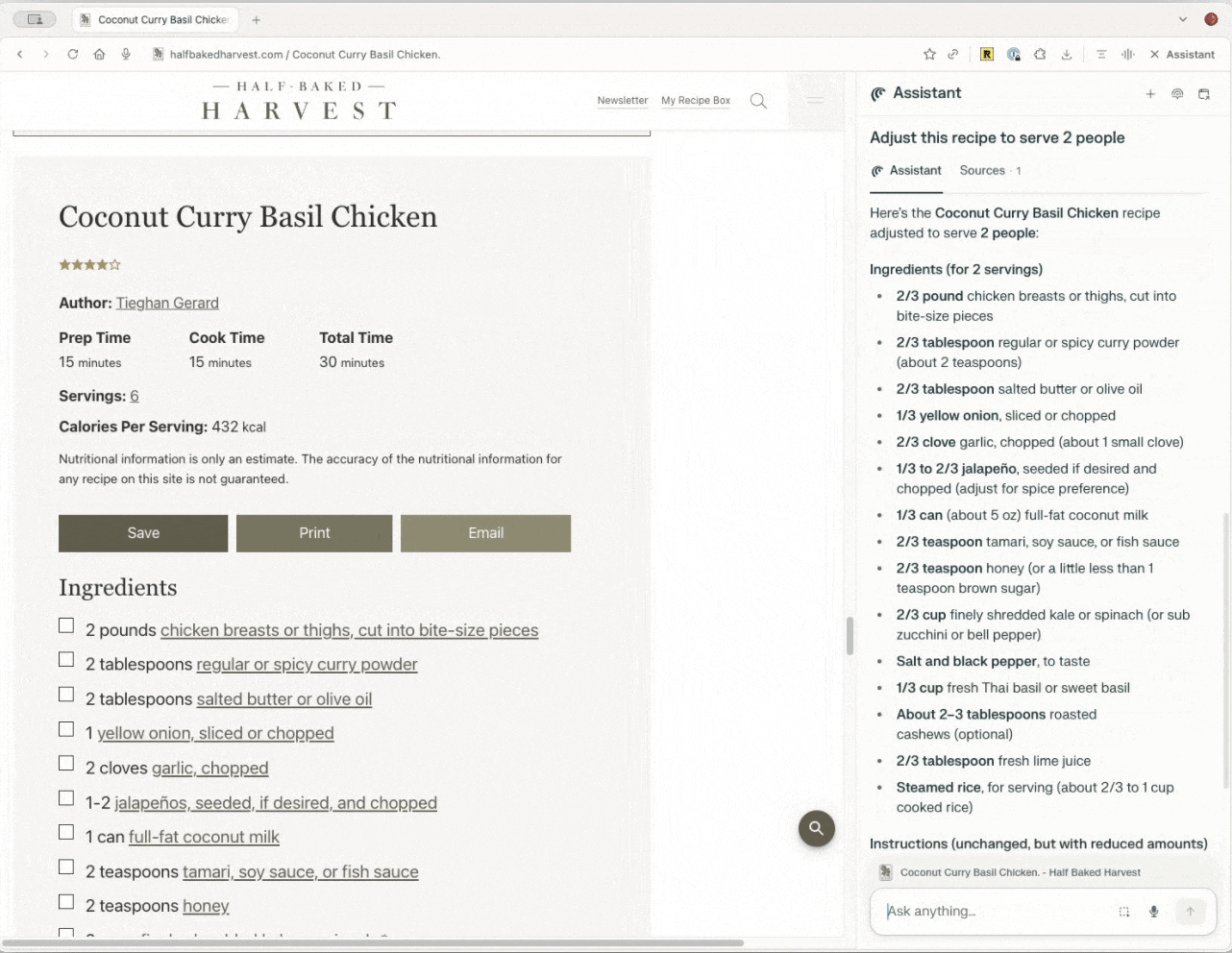
Ask the Page: Highlight text and ask ChatGPT questions. It can summarize, simplify, or translate instantly.
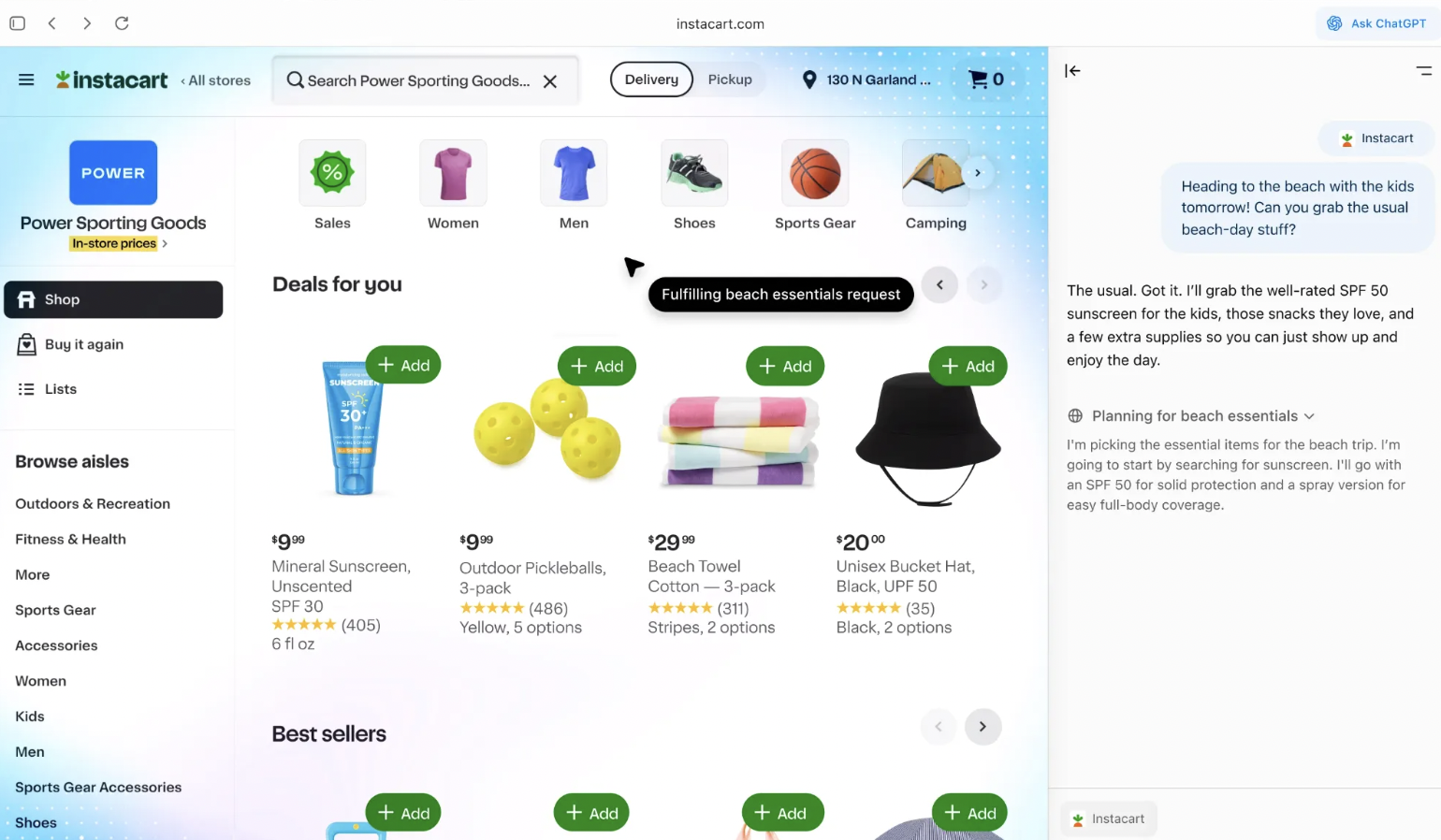
Agent Mode: Switch on, and Atlas doesn’t just answer—it performs tasks like booking tickets, filling forms, or researching across multiple sites.
Memory: Unlike other browsers, Atlas remembers past sessions. If you were researching “best solar panels,” you can return days later and pick up where you left off.
Cross-Tab Intelligence: Instead of juggling 15 open tabs, Atlas can pull together the key insights across all of them into one clean summary.
Who should try this?
Power users, researchers, and professionals who want an AI co-navigator for complex workflows. Atlas feels less like a passive browser and more like a smart partner.
Drawbacks
Early rollout, currently macOS only.
Questions around privacy and trust – how much should a browser remember?
Lacks a large ecosystem of extensions compared to Chrome.
Chrome Gemini
Google didn’t need to reinvent the wheel. It already owns the world’s most-used browser. Instead, it infused Chrome with Gemini AI, turning the browser into a more powerful search and productivity tool.
How It Works
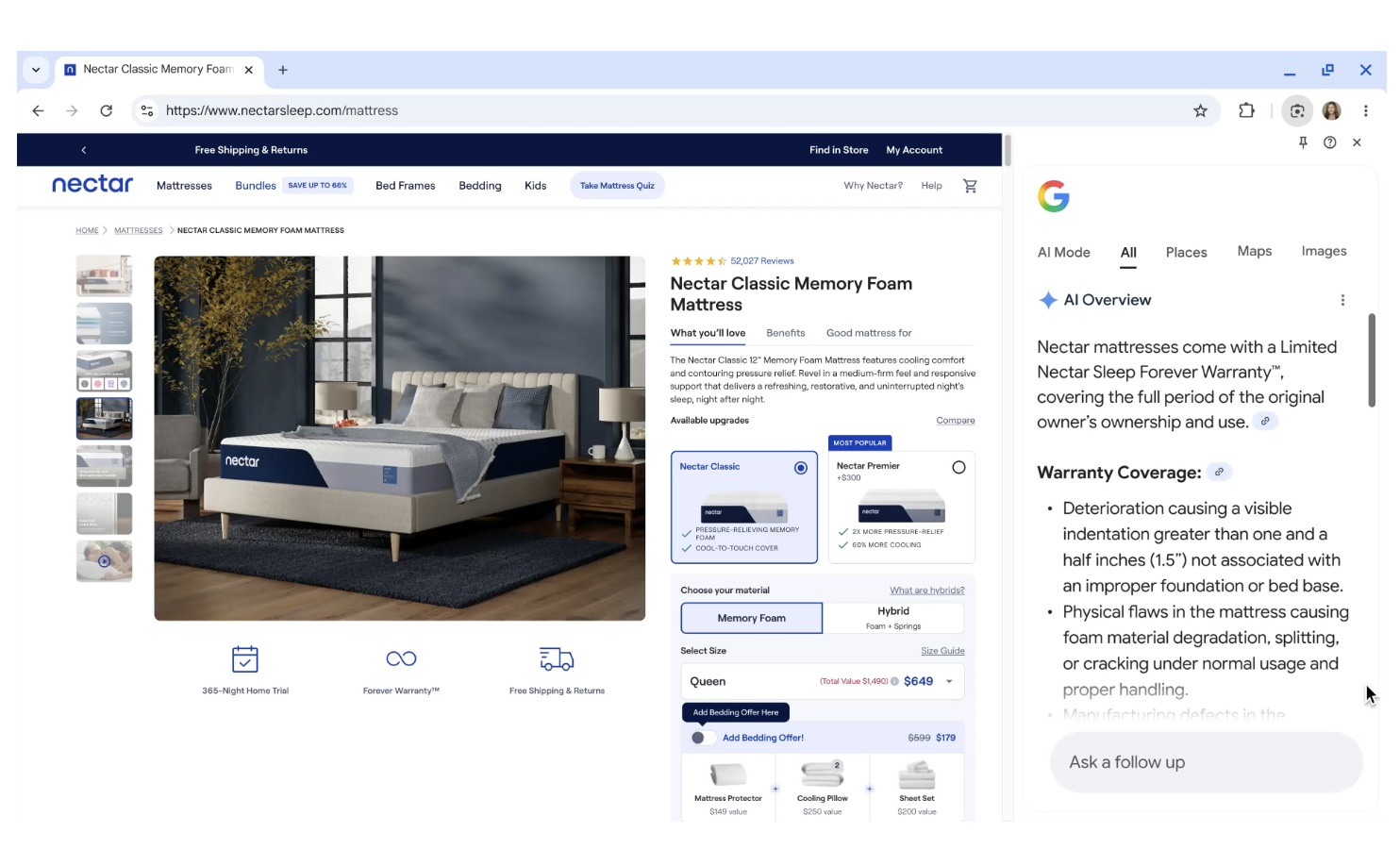
AI Side Panel: While browsing, open the Gemini panel to summarize, explain, or expand on what you’re seeing.
Integration Across Google Suite: Gemini works seamlessly across Gmail, Docs, Sheets, and YouTube.
AI-Driven Search: When you search in Chrome, results now come with Gemini-powered overviews, not just blue links.
Best For
Everyday users who are already in the Google ecosystem. Chrome Gemini doesn’t ask you to switch habits, but it enhances the ones you already have.
Drawbacks
Feels like AI is bolted on, not a ground-up rethink of browsing.
Risk of lock-in: you’re tied even more deeply to Google’s ecosystem.
Privacy concerns: Gemini depends heavily on your data across Google products.
Perplexity Comet
Perplexity has made a name as the answer engine – a search tool that gives direct, cited answers instead of a list of links. With Comet, Perplexity is extending that vision into a browser.
How It Works
Conversational Search: Ask a question, get a fast, AI-powered answer with citations.
Inline Research: Comet pulls from multiple sources and shows you where information came from.
Lightweight Browsing: Comet isn’t about loading dozens of tabs; it’s about navigating directly through AI-curated knowledge.
Best For
Students, researchers, and professionals who want fast, trustworthy answers without drowning in endless search results.
Drawbacks
Smaller ecosystem, limited beyond search.
More of a super-search tool than a full-featured browser.
Lacks agent mode and deep integrations.
Benefits of AI Browsers
No matter which AI browser you may try first, the benefits of this new AI-first era are clear:
Time Savings: Instant summaries, reduced tab overload.
Deeper Understanding: From legal documents to technical papers, AI turns complexity into clarity.
Task Automation: Browsers are no longer passive but they can perform actions.
Personalization: Memory features allow continuity across sessions.
Shift in Power: For the first time, users aren’t just searching the web rather they’re conversing with it.
Who Wins What?
ChatGPT Atlas: Best for power users like researchers, professionals, and those who want AI to do work, not just answer questions.
Chrome Gemini: Best for everyday users who are familiar, convenient, and deeply integrated if you already live in Google’s world.
Perplexity Comet: Best for students and researchers who want fast, transparent answers without clutter.
The Bigger Question: Browsers or Agents?
The bigger question isn’t who wins this round. It’s whether browsers as we know them will even exist in ten years. If Atlas, Gemini, and Comet succeed, we may not be “browsing” the web at all. Instead, we’ll be delegating, conversing, and collaborating with AI agents who navigate on our behalf.
That future raises big questions:
Who controls the flow of information when AI curates it for us?
How do we balance convenience with privacy?
Will the next generation even understand the concept of opening 20 tabs or will they grow up in a world where the browser itself is invisible, replaced by a conversation?
In 2025, the question isn’t just “which browser is fastest” anymore. It’s which AI do you trust to navigate your online life. Will Atlas redefine workflows? Will Gemini dominate by default through Chrome’s massive base? Or will Perplexity carve out a niche as the researcher’s browser?
One thing is certain: the new browser wars are here, and this time, the winner won’t just change how we browse, but it could change how we think about the internet itself.