GetResponse positions itself as a versatile, creator-friendly platform combining drag-and-drop design, solid automation, reusable media handling, and dependable sending. It focuses on giving users an environment where detailed customization, strong template control, and multi-purpose tools come together in one place.
ActiveCampaign, on the other hand, leans deeper into polished execution and CRM-style refinement. Its editor feels fast and professional, its contact management is highly adaptive, and even on the free trial, the interface supports smooth sending, simplified reporting, and structured workflows. Teams benefit from its standardized templates, flexible imports, and clean dashboard that highlights only the metrics that matter.
Both platforms deliver powerful performance but in very different ways. This comparison breaks down each core area to help you understand which one fits your workflow, campaign style, and daily marketing routine.
Who Should Use Which?
- Getresponse is Best For:
- Creators, online educators, and digital marketers who want a flexible platform to design campaigns, manage funnels, and run event-based promotions.
- Teams that need strong template variety, customizable layouts, and deeper visual control over branding and content
- Businesses that rely on segmentation, tagging, and list hygiene tools to organize audiences and personalize communication.
- Marketers who want detailed analytics, exportable performance reports, and integrations that connect email data to broader marketing workflows.
- ActiveCampaign is Best For:
- Marketing teams wanting a polished, fast, and professionally designed email-building experience with strong customization and block-level editing.
- Users who need CRM-style workflows, structured automation, and contact-driven triggers built directly into campaign execution.
- Businesses requiring clean reporting, link-level insights, bounce/spam data, and performance metrics that support long-term optimization.
- Brands that prefer a product with a more advanced automation ecosystem, including visual flow mapping and multi-touch campaign orchestration.
Quick Comparison
| Criteria | GetResponse | ActiveCampaign |
|---|---|---|
| Ease of Use | Beginner-friendly dashboard with smooth navigation; guided onboarding helps new users start quickly. | Clean, intuitive, and polished interface; drag-and-drop editor is simple and beginner-friendly with fast workflows. |
| Template Variety & Design | 150+ pre-built email & landing page templates; strong customization depth; supports HTML/CSS for advanced control. | 125+ standardized templates; visually modern layouts; branded template options with clean styling and easy block-based editing. |
| Deliverability | Reliable sending with strong spam-checking feedback and consistent inbox placement. | High deliverability with clear metrics, link insights, and spam-related indicators; domain authentication available. |
| Reporting & Analytics | Comprehensive analytics including heatmaps, device tracking, click-paths, and exportable reports (CSV, PDF, XLS). | Clear reporting dashboard with click-tracking, bounce data, unsubscribes, spam complaints, and link-level metrics. |
| Free Plan | Free plan available for up to 500 contacts with limited monthly sends. | No free plan; paid access begins immediately. |
| Starting Price (Paid) | From ~$19/month (billed monthly), suitable for 1,000 contacts. | From ~$29/month for core features; upgraded plans add automation depth and template library expansion. |
| Best For | Users wanting creative control, deep segmentation, funnels, webinars, and advanced analytics. | Teams needing polished templates, structured workflows, CRM-style organization, and professional automation. |
| Key Strength | All-in-one versatility + strong automation + analytics depth. | Polished editor + real-time reporting + behavioral automation + CRM integration. |
| Key Limitation | Pricing increases quickly with list growth. | No free plan and some essential features locked behind higher tiers. |
Evaluation Criteria (How We Compare)
We compared GetResponse and ActiveCampaign across five essential parameters that define how well an email marketing platform performs in real-world use:
- Email Designing & Templates – The creative flexibility, template variety, and customization depth each platform offers.
- Contact List Management – The efficiency and depth of managing subscribers, including segmentation, tagging, imports, and behavioral targeting.
- Campaign Execution – How quickly and reliably each platform sends campaigns, the ease of automation setup, and overall consistency in deliverability.
- Reports & Analytics – The quality, visualization, and actionability of data each platform provides from open and click tracking to conversions, heatmaps, and exportable reports; and how easily marketers can derive insights to improve performance.
- Pricing & Value – Affordability, plan transparency, and the balance of included features at each tier.
Email Designing & Templates
GetResponse
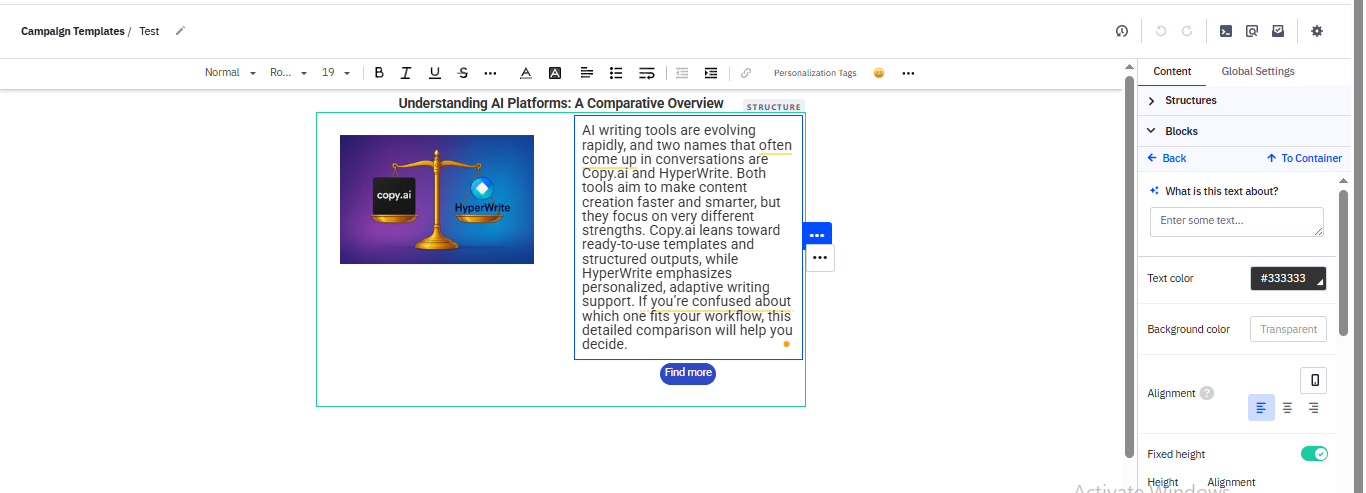
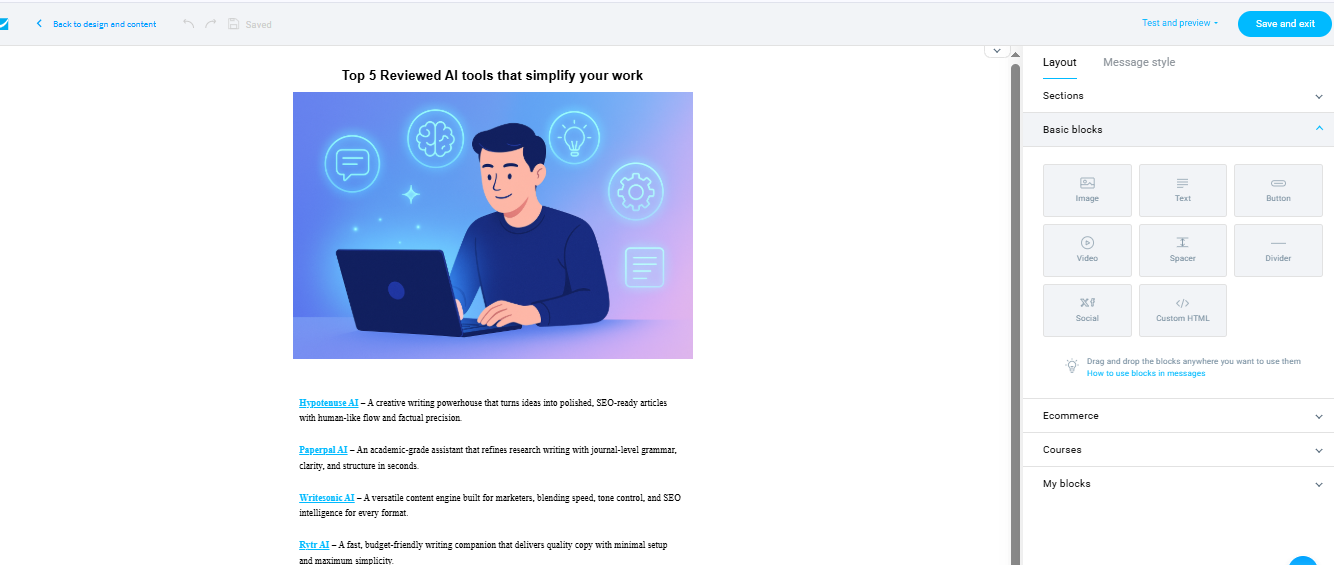
GetResponse emphasizes breadth and flexibility in template design, offering a large library of customizable layouts supported by drag-and-drop editing and reusable media handling. Users can manage design blocks, adjust spacing, insert images, and reuse saved elements to ensure branding consistency. Templates adapt smoothly to multiple screen sizes, and the system allows custom HTML and CSS for added control.
ActiveCampaign
ActiveCampaign takes a polished, structured approach. Its editor is fast, intuitive, and beginner-friendly, with 125+ professionally aligned templates covering newsletters, promos, invitations, and seasonal campaigns. Adjustments to layout, padding, dividers, images, and blocks are straightforward, and mobile responsiveness is cleanly handled. Users can also import templates from their computer for full control.
Contact List Management
GetResponse
GetResponse provides a streamlined and practical contact management workflow. Users can import contacts via CSV, TXT, or Excel, and even pull data from external apps. Segmentation is advanced, allowing lists to be divided by demographics, tags, engagement behaviour, past purchases, and custom fields. The platform also emphasizes list hygiene by identifying invalid or hard-bounced emails and helping users maintain deliverability standards.
ActiveCampaign
ActiveCampaign offers extremely flexible contact handling even in the free trial. Imports are quick, duplicate entries are automatically cleaned, and tagging is highly customizable. Users can build multi-layered segments using interests, behaviours, fields, and engagement activity. Automated cleanup improves accuracy, and custom fields give teams more granular control over messaging groups.
Campaign Execution
GetResponse
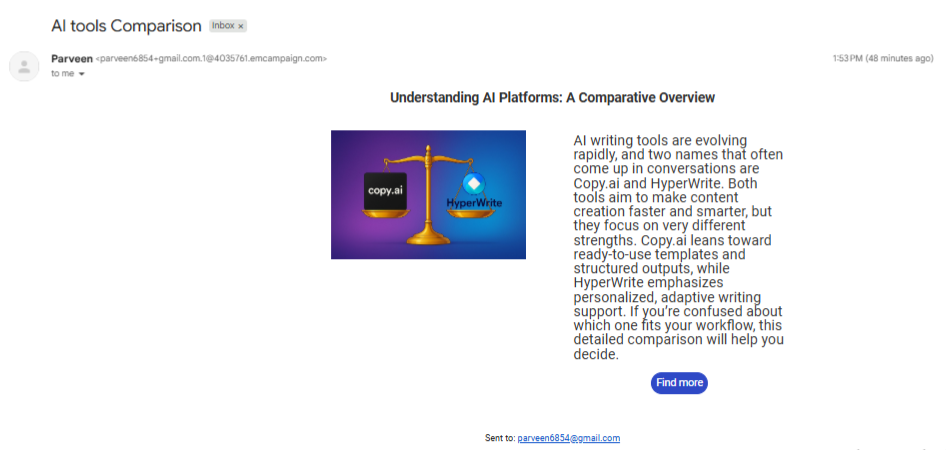
GetResponse focuses on reliability and consistency. Email delivery is strong, and tests showed steady inbox placement with dependable performance at scale. Basic authentication options help support sender trust, while the sending process is designed for simplicity. Campaign creation flows smoothly from design to preview to final send, maintaining a stable experience across devices and clients.
ActiveCampaign
ActiveCampaign emphasizes speed and beginner-friendly execution. Users can send campaigns from mobile or desktop, and emails pass through a preview process before launching. Authentication options like SPF and DKIM are available, and the initial free trial supports sending to up to 1,000 contacts and 100 total emails. The workflow is refined, professional, and easy to navigate, especially for first-time users.
Reports & Analytics
GetResponse
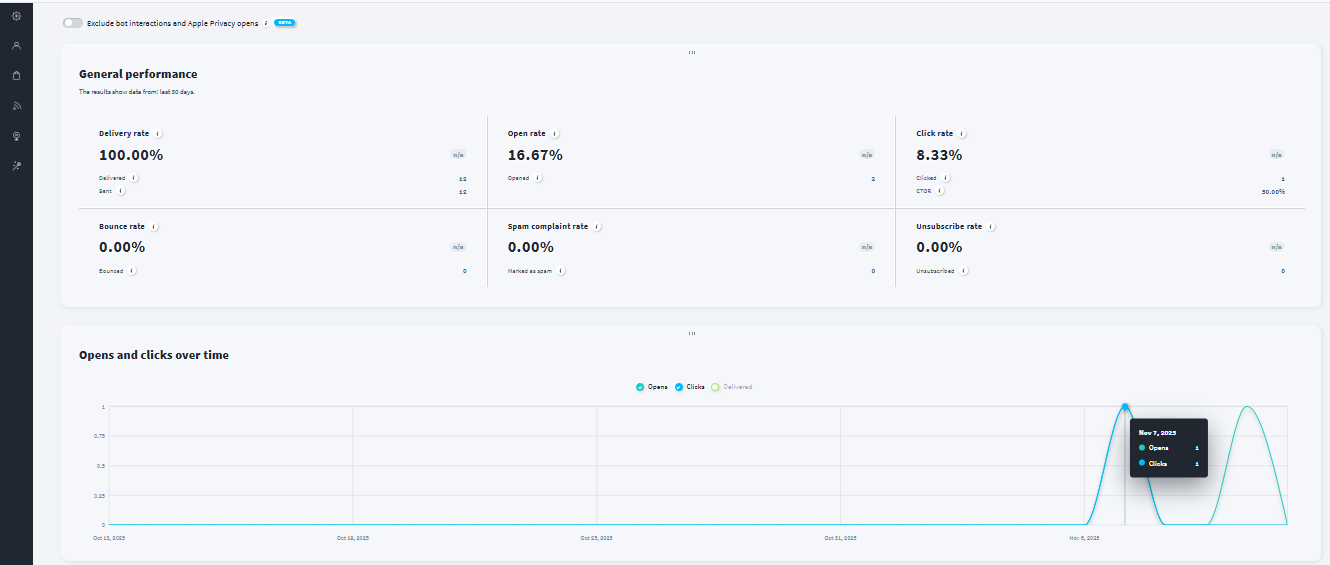
GetResponse delivers analytics that go beyond surface-level metrics. Users can export reports in PDF, CSV, or XLS formats and even integrate with external tools for deeper modeling. Insights highlight open rates, click behavior, bounce analytics, and subscriber trends, helping marketers refine content decisions and optimize long-term engagement. Visual summaries make it easy to understand performance shifts.
ActiveCampaign
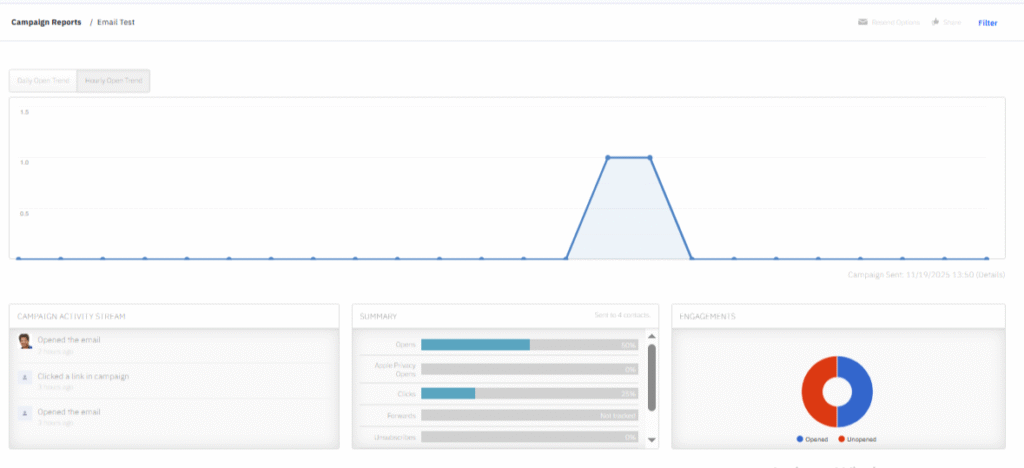
ActiveCampaign provides a clean, focused reporting dashboard centered on metrics that matter: clicks, opens, unsubscribes, bounces, and spam complaints. Delivery reports break down device behavior, link tracking shows engagement hotspots, and email-level analytics offer clarity on how individual recipients interacted with the message. The layout is minimal, structured, and easy to interpret even for beginners.
Pricing & Value
GetResponse
GetResponse offers pricing designed to grow with a business, featuring a structured plan system that accommodates beginners, small businesses, and advanced marketers. Each plan includes specific tools for funnels, landing pages, webinars, and email automation. Users can scale into advanced tiers as their campaign needs increase, making it suitable for content creators, educators, and digital entrepreneurs.
ActiveCampaign
ActiveCampaign organizes its pricing around Starter, Plus, and Pro plans. The Starter tier suits simple campaign workflows, while Plus is tailored toward small businesses scaling their email activity. Pro serves higher-level orchestration needs with advanced workflow automation, more detailed reporting, and sophisticated segmentation controls. Even the free trial delivers strong value with polished sending and clean usability
| Scenario | Best Choice |
|---|---|
| You want a clean, organized workflow | GetResponse |
| You handle frequent segmented campaigns | ActiveCampaign |
| You prioritize fast UI transitions | ActiveCampaign |
| You need balanced pricing | GetResponse |
| You run multi-purpose marketing (pages + email) | GetResponse |
Final Verdict
GetResponse is the better fit for creators, educators, and businesses that want an all-in-one marketing environment with strong design flexibility, advanced segmentation, reusable media, and multi-purpose tools. ActiveCampaign stands out for users who prefer a polished, CRM-aligned experience with streamlined reporting, deeply flexible tagging, and smooth campaign execution even from the free trial. Both are excellent, but the choice depends on whether you value GetResponse’s versatility or ActiveCampaign’s refinement.
On this page
Winner Snapshot: Getresponse vs ActiveCampaign
| Category | Winner |
|---|---|
| Best for Structured Workflows | GetResponse |
| Best for Segmentation & Targeting | ActiveCampaign |
| Best for UI Speed & Fluidity | ActiveCampaign |
| Best for Pricing Simplicity | GetResponse |
Tags: comparison