We may earn affiliate commissions for the recommended tools. Learn more.

Framer vs Butternut: Which AI Website Builder Delivers Better Real-World Results?

AI-driven website builders are rapidly transforming how creators, businesses, and startups go online. While some tools focus on design precision and creative control, others promise instant, automated site generation with minimal effort.
Two popular names leading this wave are Framer and Butternut AI.

Both promise speed, simplicity, and intelligence, but they cater to very different audiences. We tested both tools end-to-end: from creating sample websites  to evaluating templates, AI functionality, and customer support.

Here’s our complete comparison based entirely on real test results and observations from the reviews.

Who Should Use Which?

User TypeRecommended ToolReason
Small Business OwnersButternut AIQuick setup, minimal manual editing, AI-generated pages.
Designers & AgenciesFramerComplete creative control, advanced design precision.
FreelancersButternut AIBuild client sites rapidly without setup overhead.
Teams or BrandsFramerCollaborative tools and scalable hosting environment.

Evaluation Criteria (How We Compare)

We compare Framer and Butternut AI across five main parameters:

  • Ease of Use – How simple is it to get started and build a site
  • Templates & Design – Variety, quality, and customization of designs.
  • Ecommerce & Features – Strength of online selling tools and add-ons.
  • Pricing & Value – Affordability, free plans, and long-term value.
  • Customer Support – Channels, availability, and quality of help.

Quick Comparison

ParameterFramerButternut AI
Ease of UseIntuitive drag-and-drop editor with minimal learning curve.Conversational AI setup — generate full site in under two minutes.
Templates & DesignPixel-perfect layouts, adaptive design system, and modern typography.AI-generated templates; customizable colors, fonts, and structure.
E-commerce & IntegrationsBuilt-in integrations (Stripe, Shopify, Mailchimp, Google Analytics).Basic integrations; not suited for full e-commerce yet.
AI FeaturesSuggests sections, creates layouts, automates structure within the builder.Creates entire websites from a few prompts, including copy and images.
Pricing & ValueFree, Starter ($10/mo), Pro ($20+/mo) – includes hosting and domain linking.Free plan, Starter ($9/mo), Full Plan ($25/mo) – AI, hosting, and analytics.
Customer SupportEmail + growing help center + community ecosystem.Live chat and email support; AI assistant for onboarding queries.
Ideal ForDesigners, agencies, and startups.Small businesses, freelancers, and beginners.

Ease of Use

Framer

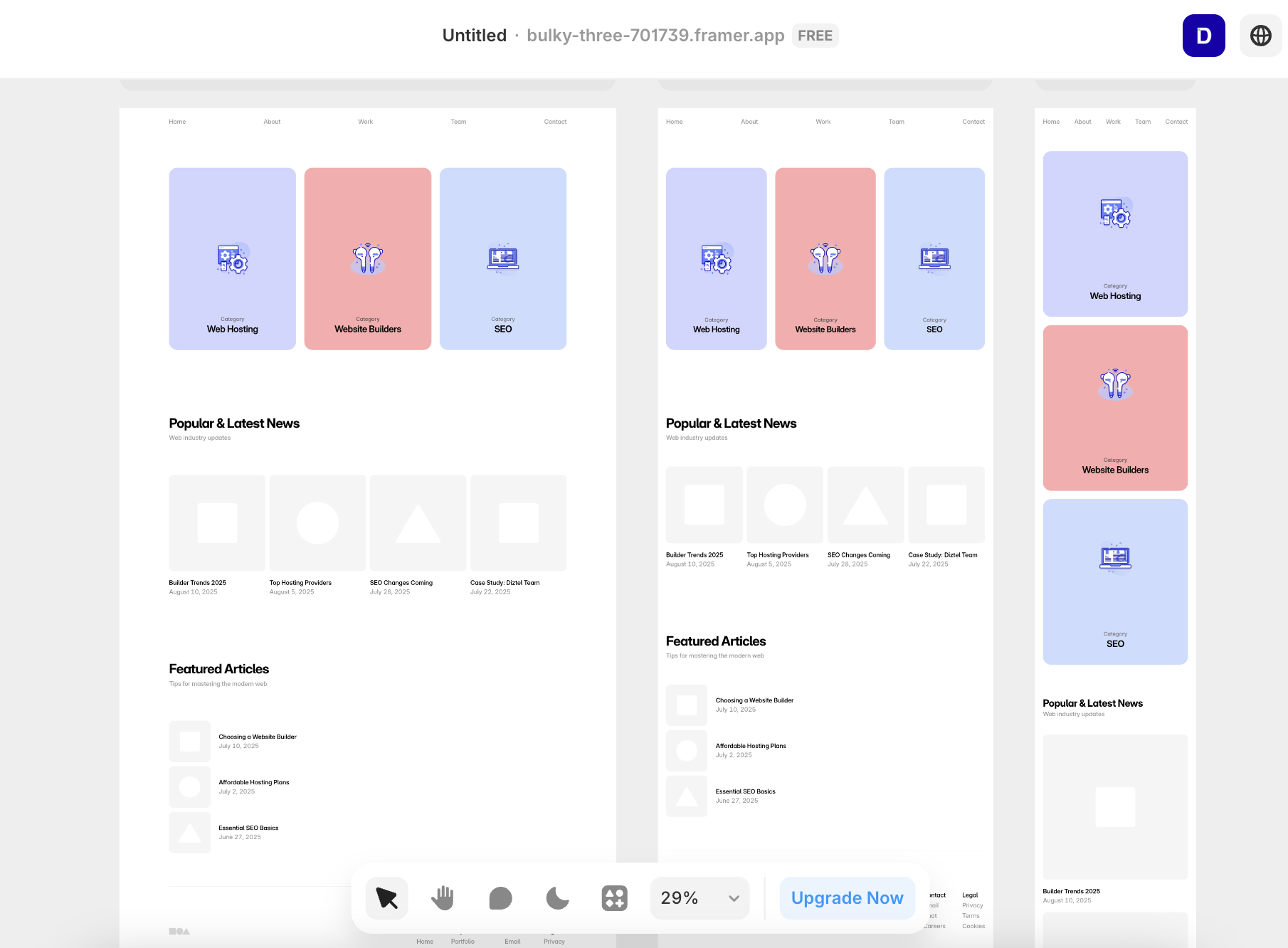
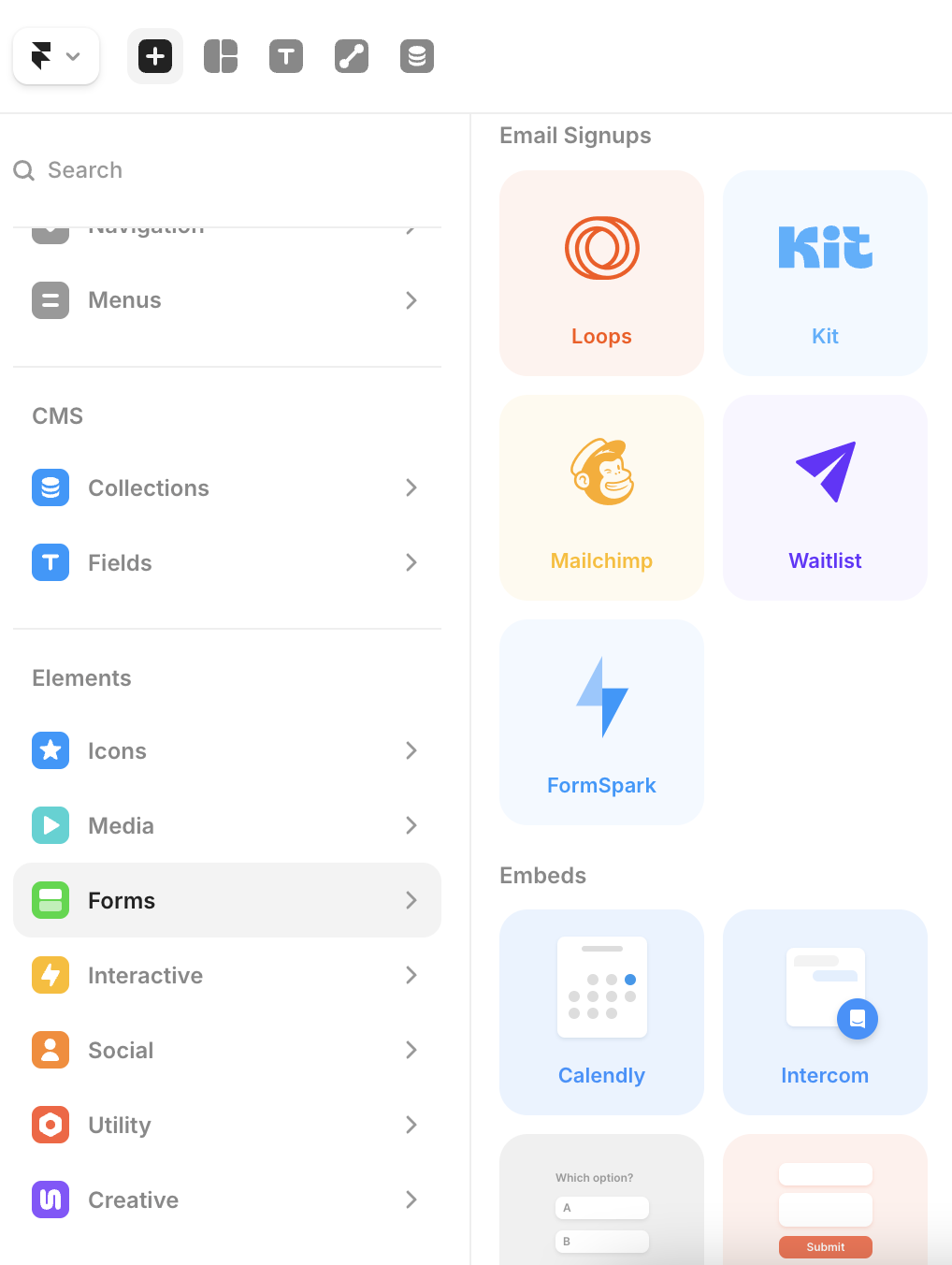
Framer offers a modern and well-structured onboarding flow. Users can either begin with a blank canvas or pick pre-built templates. The drag-and-drop interface is smooth, and the tool maintains a design-first approach. The AI setup allows quick section additions and component suggestions without code. Once inside the workspace, it’s easy to duplicate, adjust, or animate blocks.

In out internal testing, Framer performed efficiently with no lags or delays. The left navigation offers access to pages, layers, and assets, while the right panel provides customization controls. For first-time users, the experience felt intuitive and fast, aligning with professional design workflows.

Butternut AI

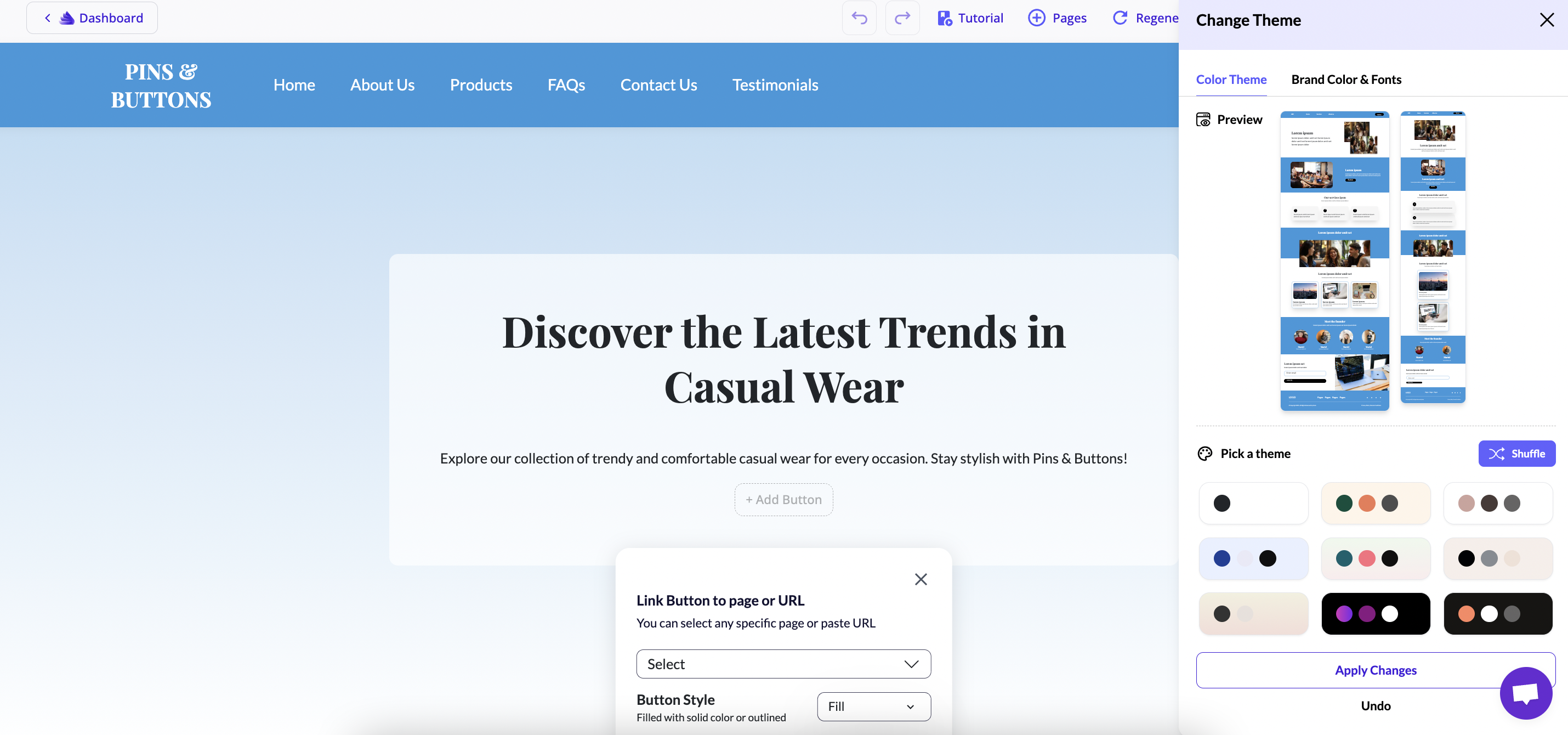
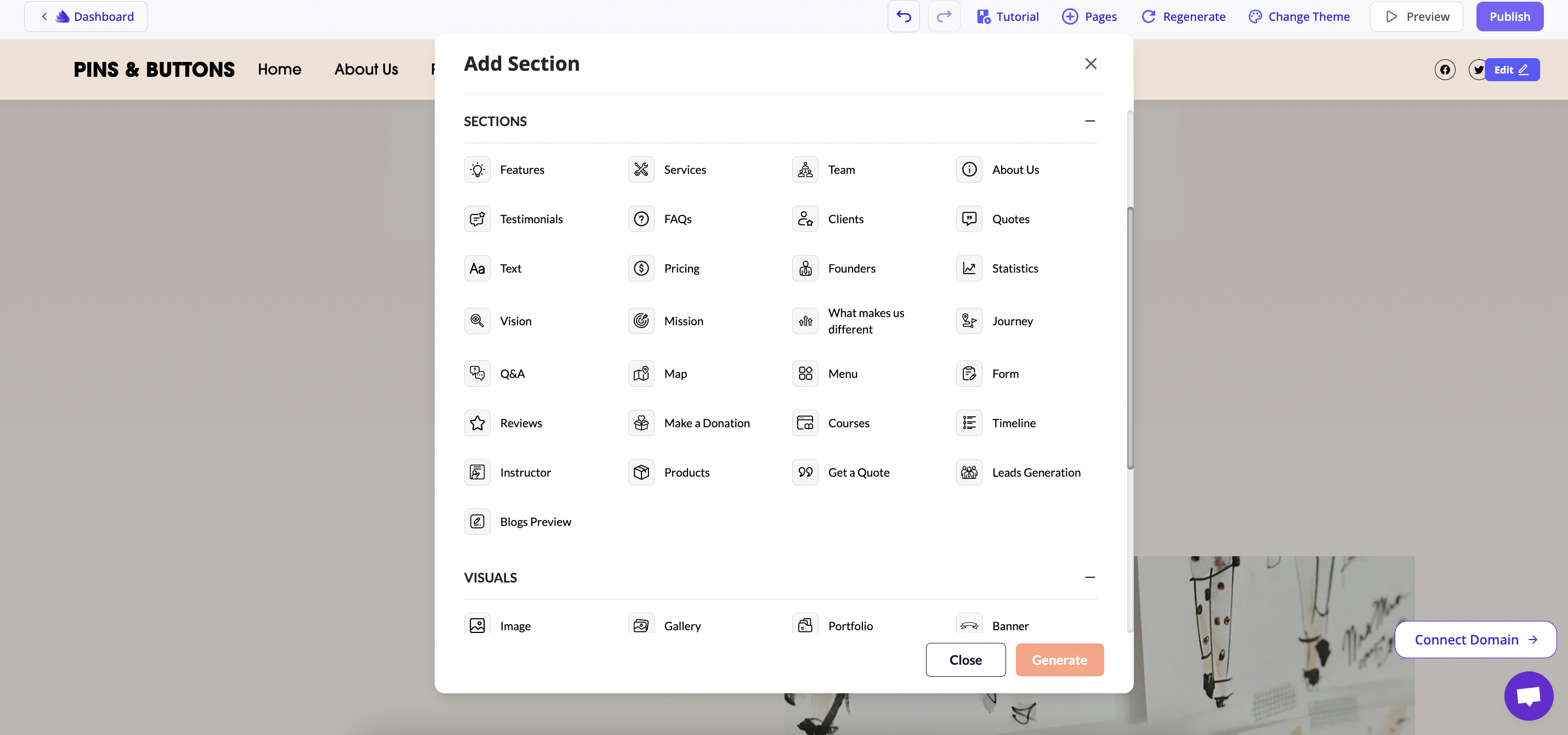
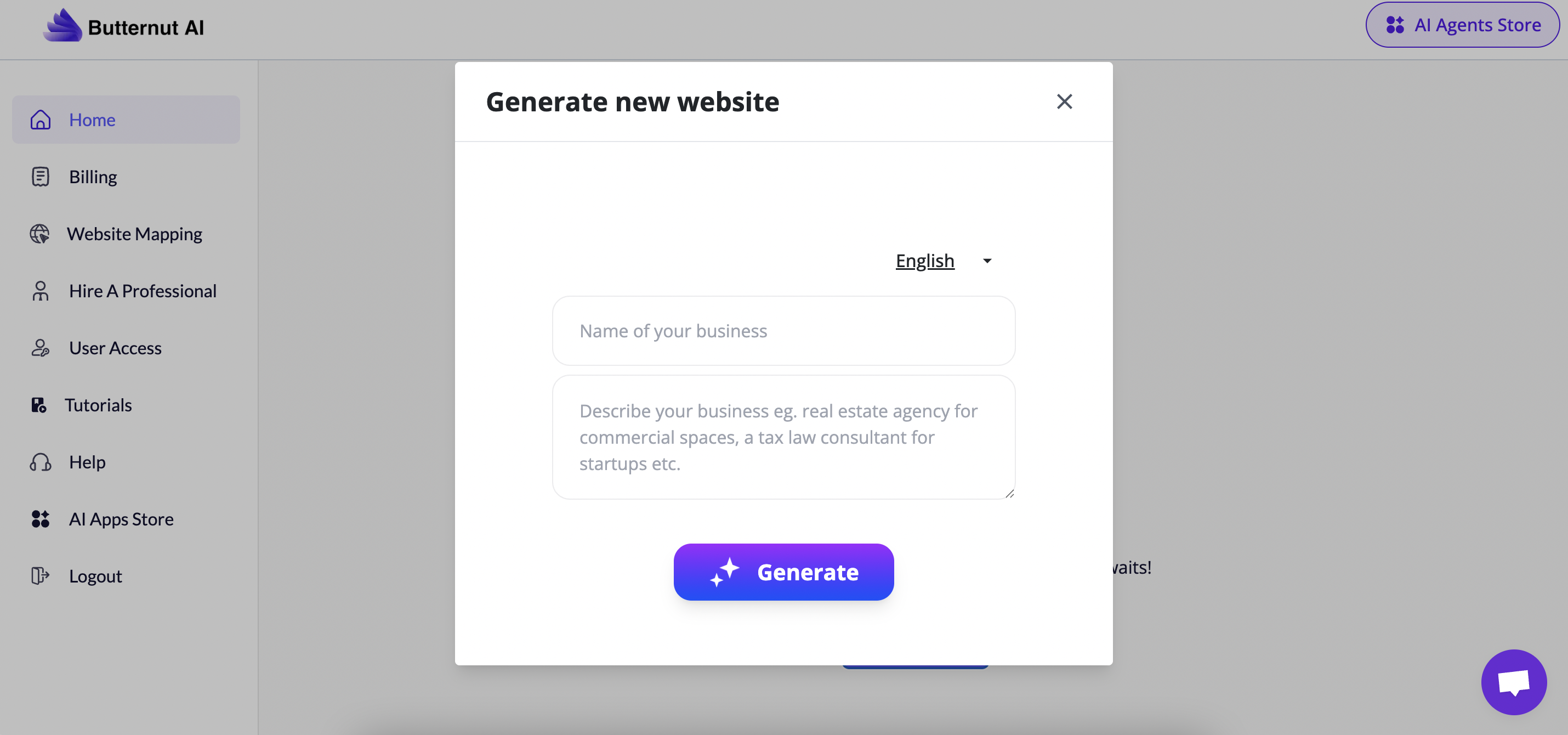
Butternut AI, on the other hand, completely redefines the creation flow. Users start by describing their business or website idea, and within seconds, the AI generates a multi-page live website.

During testing, our team noted that the platform produced a clean, functional site within minutes including a homepage, about page, and contact form.

The editing panel lets users tweak sections, colours, or text content. Though flexibility is limited compared to Framer, the ease of generation is unmatched.

Overall, Butternut AI’s setup process is ideal for beginners who want a working website quickly without dealing with design tools or layout decisions.

Templates & Design

Framer

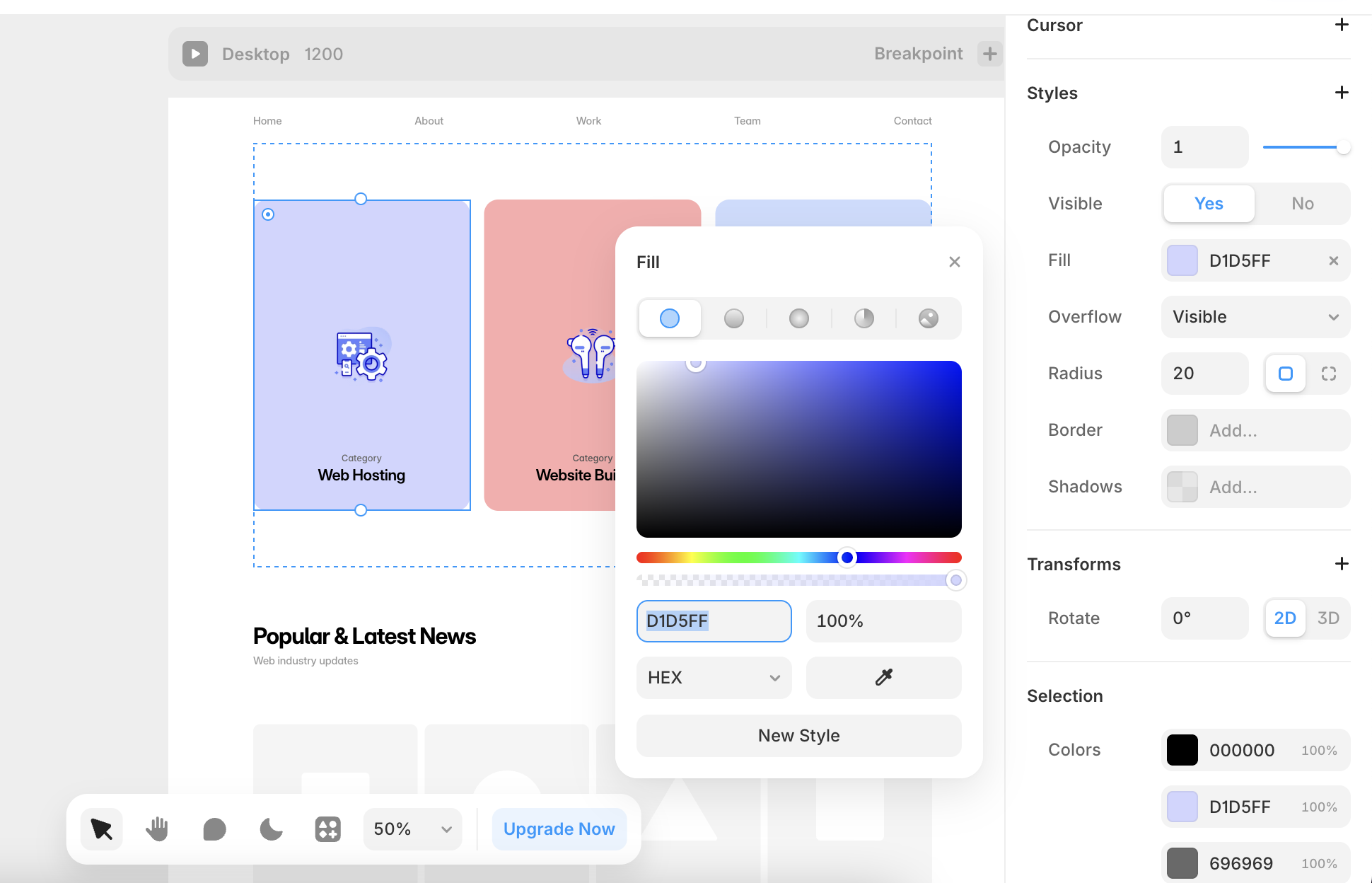
Framer has some of the professional-grade templates. The built-in library offers multiple categories from portfolios to product pages. All visually consistent and mobile responsive. Templates can be customized down to fine details like typography, spacing, and transitions.

During testing, it came across that Framer’s editor behaves much like Figma, enabling visual designers to build without limitations.

A major highlight is the real-time responsiveness: resizing or rearranging elements instantly adapts layouts across devices.
The overall design output is refined, polished, and ready for professional deployment.

Butternut

Butternut AI’s templates are generated in real time through its AI engine. The layouts include structured sections for hero, services, about, and contact pages.

In our tests found that the generated sites were clean and functional, though less flexible for detailed design tweaks.

Ecommerce & Features

Framer

Framer includes built-in integrations for payment and analytics services such as Stripe, Shopify, Mailchimp, and Google Analytics. It also supports form builders, embeds, and HTML blocks for advanced customization. These integrations make it a viable option for small stores, freelancers, or marketing websites.

However, Framer’s e-commerce capabilities are best suited for light selling and portfolio-based businesses, not full-scale inventory management.

Butternut

Butternut focuses primarily on service websites and local businesses. It provides integration support for lead generation tools, forms, and third-party widgets but does not yet support a full e-commerce checkout flow. For contact and service pages, integrations work smoothly, and connection setup is easy via simple prompts.

Pricing & Value

Framer PlansButternut AI Plans
Free PlanFree Plan
Mini - $5/monthStarter Plan – $20/month
Basic - $15/monthPro Plan – $69/month
Pro - $30/month
*Pricing Plans if billed Annually

Framer

Framer’s pricing structure (as seen in the review) includes:

  • Free Plan: Publish with Framer branding.
  • Basic Plan ($15/month): Custom domain connection, basic hosting, and personal use.
  • Pro Plans ($30-$200/month): Team collaboration, analytics, and professional hosting.

Hosting and SSL are built-in, and all plans come with fast publishing performance. Overall, Framer’s plans feel well-aligned with its design-focused audience.

Butternut AI

  • Free Plan: AI website generation with preview-only access.
  • Starter Plan ($20/month): Editing controls and Figma export enabled.
  • Pro Plan ($69/month): Advanced customization, analytics, and priority support.

The free version is functional enough for trial use, while the paid plans unlock professional deployment and performance features. In our opinion, pricing feels affordable for small businesses, especially given the built-in AI creation engine.

Customer Support

Framer

Framer offers email and live chat support. The platform also maintains a comprehensive help center and an active user community. An AI assistant helps during onboarding. The only limitation is that documentation is still expanding for newer AI features.

Butternut AI

Butternut provides live chat and email support with a smaller but responsive help section. The AI assistant answers basic questions during onboarding and setup. Response times are decent, though the community ecosystem is still developing compared to mature builders.

Real-World Testing Summary

Framer:

  • Offers stable performance and fluid editing.
  • Advanced layout control ideal for professionals.
  • Integration-friendly, with better SEO metadata management.

Butternut AI:

  • Generates websites instantly from prompts.
  • Great for small businesses needing a working site fast.
  • Limited flexibility post-generation but strong AI accuracy.

Final Verdict

Framer feels like a design studio inside a browser, which is structured, detail-oriented, and professional. Butternut AI feels like a personal assistant that instantly brings ideas to life with minimal setup.

Both have clear strengths:

  • Choose Framer if you want design control, scalability, and integrations.
  • Choose Butternut AI if you want instant generation, AI convenience, and simplicity.

In our testing, each tool performed well in its segment. The choice ultimately depends on whether you value speed or creative control and both platforms, in their own way, make building a website faster than ever before.

On this page

Tags:

We will be happy to hear your thoughts

Leave a reply

Diztel
Logo
Free Website Audit

“Actionable Website Insights at No Cost”
Sign Up Free